Quick Read
PSA e-certificates provide downloadable civil registry documents with verification features. Requesters should select the correct product, complete identity verification, and confirm submission requirements.
Key Takeaways
- Digital issuance differs from physical delivery.
- Fees depend on the document type.
- Identity verification is required.
- Payment confirmation is not the issued certificate.
- Save the complete PDF securely.
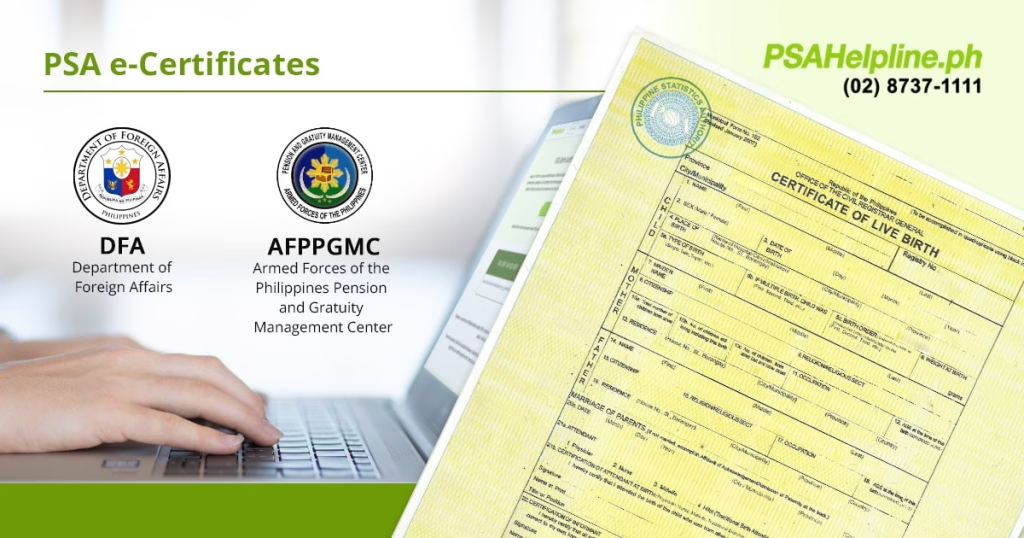
PSA e-certificates let requesters obtain digitally issued civil registry documents through PSAHelpline.ph, with access provided through a secure email link.
The service differs from ordering a paper certificate for delivery. Select the E-Certificate option deliberately and confirm the receiving institution’s submission requirements before paying.
Published digital-copy fees
| Document | Published rate |
|---|---|
| Birth, marriage or death e-certificate | ₱290 |
| CENOMAR or CENODEATH e-certificate | ₱345 |
PSAHelpline’s FAQ confirms these rates and says release depends on PSA making the record available and successful identity verification. Payment does not guarantee immediate issuance.
Complete verification and save the issued file
The provider requires a real-time selfie check and a valid-ID upload. Once released, the certificate can be viewed and downloaded through the customer portal.
Keep the complete PDF, including its verification cover page. Recipients can check authenticity through the cover-page QR code or the official verification service.
The provider describes a 60-day online viewing window and recommends downloading the document securely. That access window should not be confused with the certificate itself expiring.
Before submitting, ask the receiving office which channel to use and whether it needs the original digital file. Avoid posting certificates or verification codes publicly when requesting assistance.